Quickstart
Transform recordings into text-only Clips or Memos with local audio.
A recording is an audio input. The app transforms it into one of two types:
- Clip (
clip) — a short burst, command, or quick note. Only text is kept; the audio is deleted once the text is saved. - Memo (
memo) — a longer recording or note. Both text and audio are saved, with the audio kept locally.
Text syncs to the cloud. Memo audio stays on the client that holds it; the API can reference local file IDs without storing the audio. “Recording” is the shared input and API resource, not a third type or another name for Memo. The app's selected input mapping determines the result, not the firmware or a duration threshold.
Base URL: https://app.italic.com/api/v2.
API keys
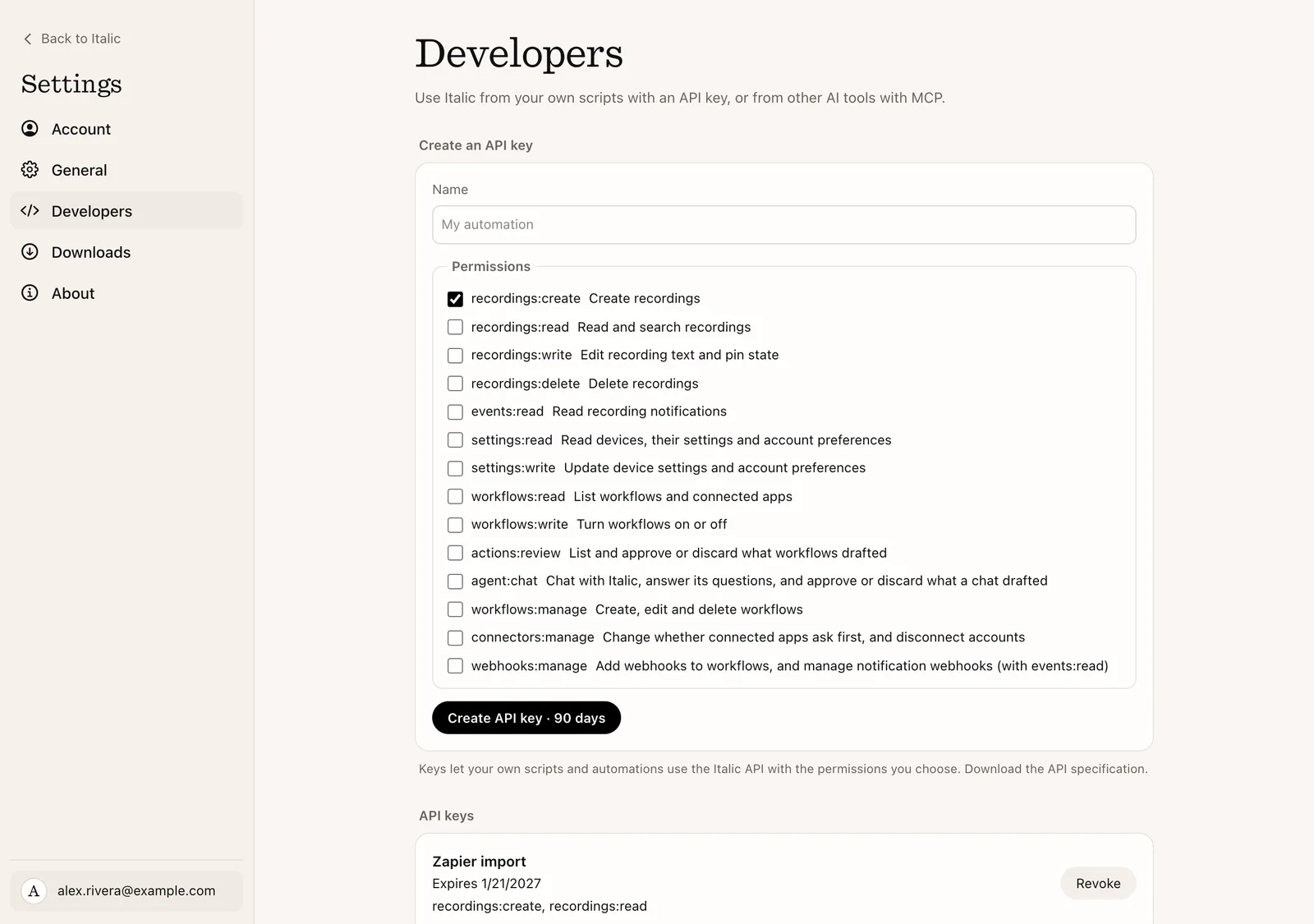
Create a key in Settings → Developers → API keys and send it with each request:
Authorization: Bearer itk_…The secret is shown once. Keep it on your server or in the client's secret storage, outside URLs, source control, analytics, and public client bundles.
| Permission | Allows |
|---|---|
recordings:create | Create recordings |
recordings:read | Read and search recordings |
recordings:write | Edit recording text and pin state |
recordings:delete | Delete recordings |
settings:read | Read devices, their settings and account preferences |
settings:write | Update device settings and account preferences, and create custom devices |
events:read | Read recording notifications |
workflows:read | List workflows and connected apps |
workflows:write | Turn workflows on or off |
actions:review | List what workflows drafted, and approve or discard it |
agent:chat | Chat with Italic, answer its questions, and approve or discard what a chat drafted |
workflows:manage | Create, edit and delete workflows |
webhooks:manage | Add webhook steps to workflows, and manage notification webhooks (with events:read); each new webhook's signing secret is returned once |
connectors:manage | Change whether each connected app asks first, and disconnect accounts |
These permissions apply to the account's recordings, workflows and connected apps. Create and edit permissions alone do not grant read access. Start with only what your integration needs. Chat, tasks and workflows covers the last six.
Keys created in Settings expire after 90 days. With POST /api-keys you can
choose 1–365 days; the default is 90. An account can have up to 50 active
keys. The limit is 120 requests per minute per key. A 429 response includes
Retry-After; wait that many seconds before retrying.
Revocation takes effect on subsequent requests.
Manage access
Use Settings, or use a signed-in account session with POST /api-keys,
GET /api-keys, and DELETE /api-keys/{id}. Creation takes a name, scopes
(the permissions above) and an optional expiresInDays. Italic assigns the
integration identity automatically.
The response contains key metadata and a one-time secret.
An API key cannot create or revoke keys, and cannot connect an app account:
these need the account owner's session, and connecting is a sign-in with the
provider in the Italic apps. A key with webhooks:manage and events:read can
manage notification webhooks. Existing keys also work with
v2; they do not need to be recreated.
Create your first recording
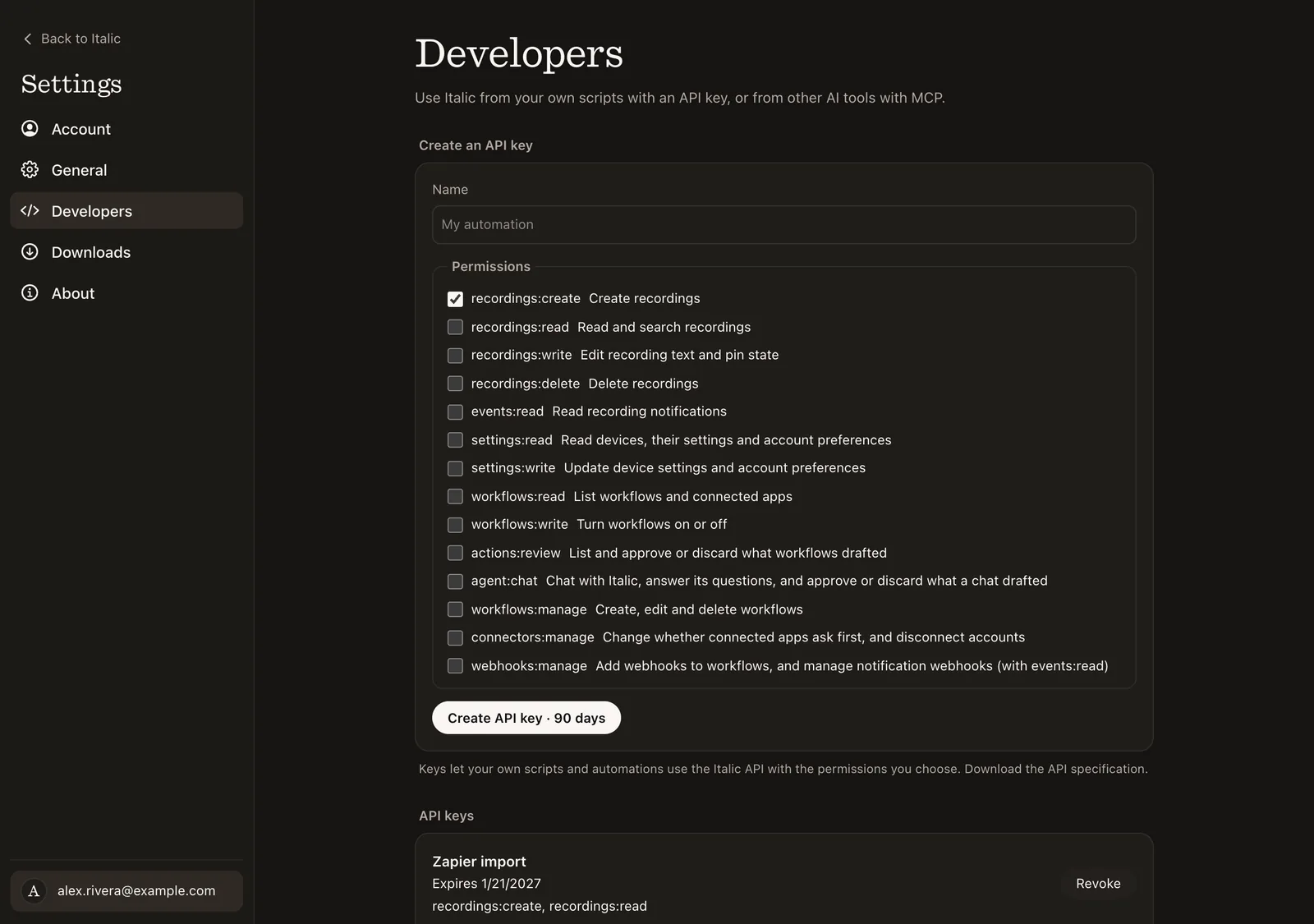
Create an API key in Settings → Developers → API keys. Select
recordings:create and recordings:read to follow this example.
curl https://app.italic.com/api/v2/recordings \
  -H "Authorization: Bearer $ITALIC_API_KEY" \
  -H 'Content-Type: application/json' \
  -H 'Idempotency-Key: meeting-123' \
  --data '{"type":"memo","title":"Planning","transcript":"Discuss the next release."}'
Only type is required in the body. Italic supplies an ID and timestamp.
Reuse the same retry key and body if a request fails or its response is lost.
Read a recording with GET /recordings/{id}, edit selected fields with
PATCH /recordings/{id}, or search Home with GET /recordings. Send the ETag
from the GET as If-Match on PATCH and DELETE; without it the request
answers 428. See Edit and delete.
Existing integrations
The public API uses https://app.italic.com/api/v2. Existing /api/v1 endpoints,
API keys, MCP connections, webhooks, and app synchronization continue working.
There is no recording-data migration for this version.
| v1 | v2 |
|---|---|
content.kind: "memo" | type: "memo" |
content.kind: "clip" | type: "clip" |
content.title, content.transcript, content.summary | title, transcript, summary |
content.isPinned | pinned |
| Full-content PUT | Partial-field PATCH |
Required externalId and recordedAt | Optional; retry key still required |
| Input mapping revision history | Current device settings |
| Token creation with caller-selected application ID | API key creation with automatic identity |
| Processing and audio cleanup reports | Kept in the existing app protocol |
Existing callers should continue retrying original imports through the API version that created them. Do not replay the same import through both versions. Use v2 for new imports and for reading or editing existing recordings.
The v1 OpenAPI document remains available for existing integrations. Local transfer verification, audio cleanup, and processing reports are unchanged. See text delivery from workflows for the existing webhook extension, and MCP for agent connections.
Next steps
- Recordings: the object, editing, search, and optional local audio references.
- Device settings: choose what each recording input creates.
- Webhooks: receive recording notifications.
- Chat, tasks and workflows: ask Italic, decide its drafts, and build workflows.
- MCP: connect an AI agent to your recordings.
Download the OpenAPI document to generate a client. Existing app clients and v1 integrations continue working; see Existing integrations above.