Connectors
Let Italic read and act in your email, calendar and other apps, with drafts you approve.
Connectors let Italic work in the apps you already use. In chat you can ask "What did Sam email me about the launch?" or "Add lunch with Sam Friday at noon", and your workflows can send an email or save a page after you record. Anything that sends or creates something starts as a draft you can edit, and nothing happens until you approve it, unless you choose otherwise.
Where to manage them
- Web and Mac: open Connectors in the sidebar of app.italic.com or Italic for Mac.
- iPhone: open Profile → Connectors.
Each app has its own page with what Italic can and can't do there, your connected accounts, its permission, the workflows that use it and its recent activity. Connectors also lists, under Agents, the AI assistants that use Italic. See Italic in AI assistants.
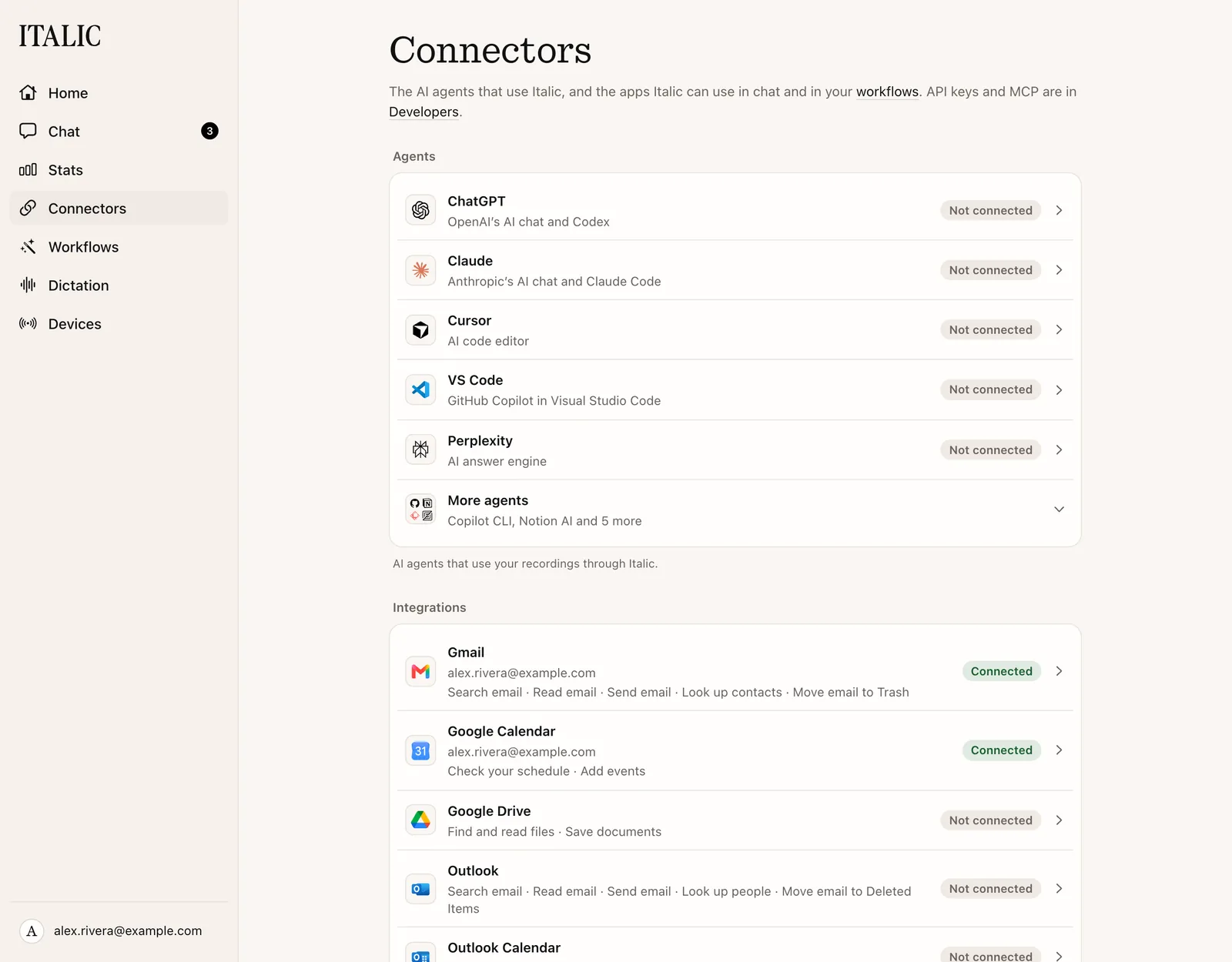
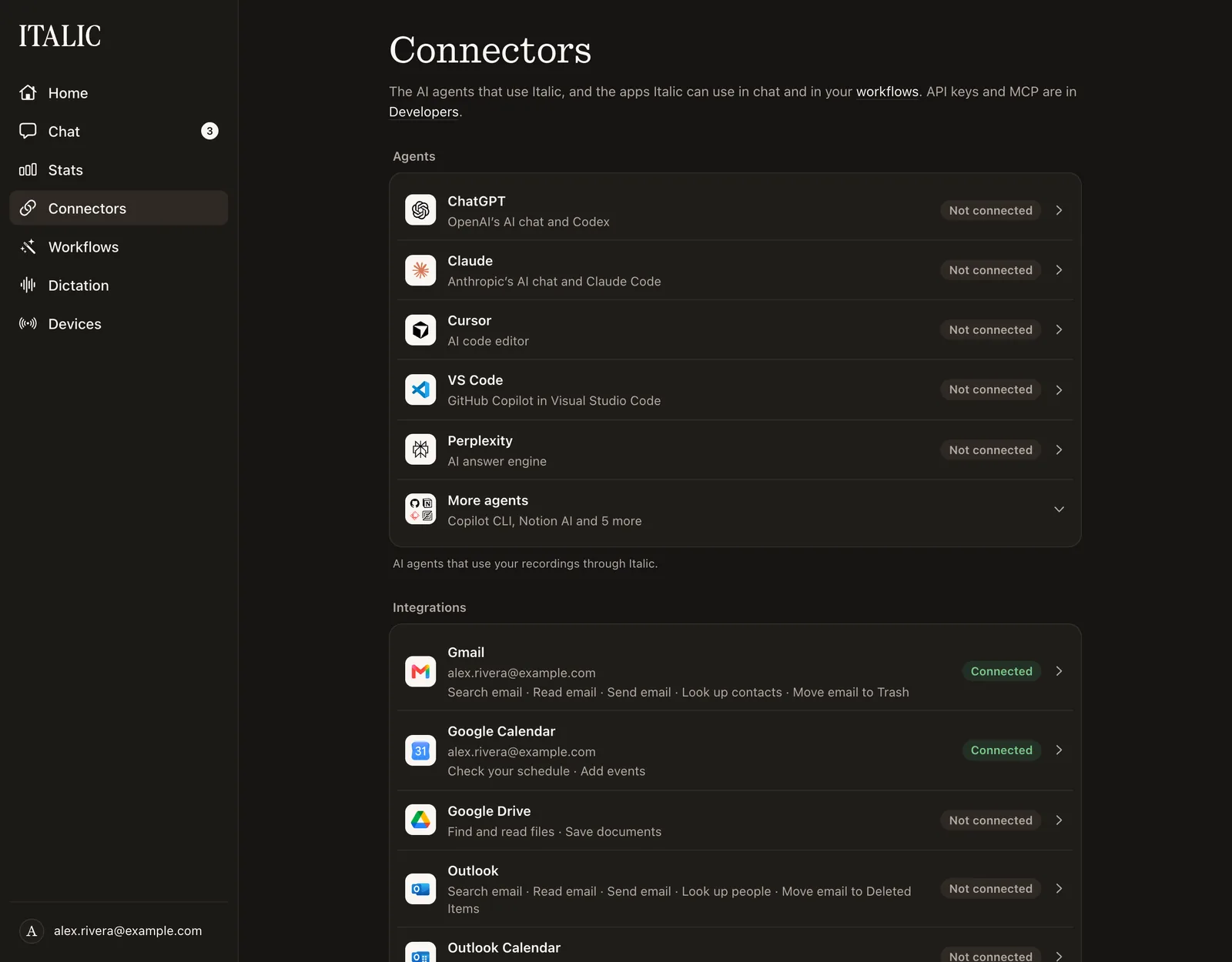
Decide how much Italic may do on its own
Most apps' Permission has three choices:
- Ask every time: Italic drafts each email, event or page for you to edit and approve. This is the default.
- Allow without asking: Italic acts right away, without a draft. Italic asks you to confirm first, and the page marks it Elevated risk: a mistake or a misheard recording can send real email without a tap.
- Off: Italic doesn't use the app at all, in chat or in workflows.
Oura only reads, so its permission is On or Off. Ramp's changes are always drafts, so it has Ask every time and Off but no Allow without asking.
With more than one account, each one can follow the app's setting or use its own, under By account.
The permission is for chat. Each workflow action has its own choice, Ask first or Run automatically, and Off turns the app off for workflows too. Some things always ask, whatever you choose: moving an email to the trash, an email with no recipient, and every change in Ramp. Gmail and Outlook share one email permission, and Google Calendar and Outlook Calendar share one calendar permission.
Drafts wait in chat and in Tasks.
Email people by name
Say a name, not an address: "Email Kati saying the test works." Italic looks the name up in your contacts and the people you've emailed. If several people match, it asks which one and never picks for you. A Google account connected without the contacts permission shows Reconnect to let Italic look up contacts on its Gmail page.
Name and remove accounts
Choose Rename beside an account to give it your own label, like "Work". You can then say "send it from Work". Remove disconnects an account or workspace and revokes Italic's access where the service allows it. Drafts that use it can't be sent afterwards.