Vocabulary
Teach Italic the names and words you use, so every transcript, title and summary spells them your way.
Vocabulary is one list of words that belongs to your account. Italic uses it in every transcription, from your iPhone, your Sudo, Dex and Glyph, and the browser, and in every Memo's title and summary and every workflow draft. So if you add "Kati", Italic stops writing "Katie" everywhere.
Edit it in any app:
- iPhone: Profile → Dictation → Vocabulary.
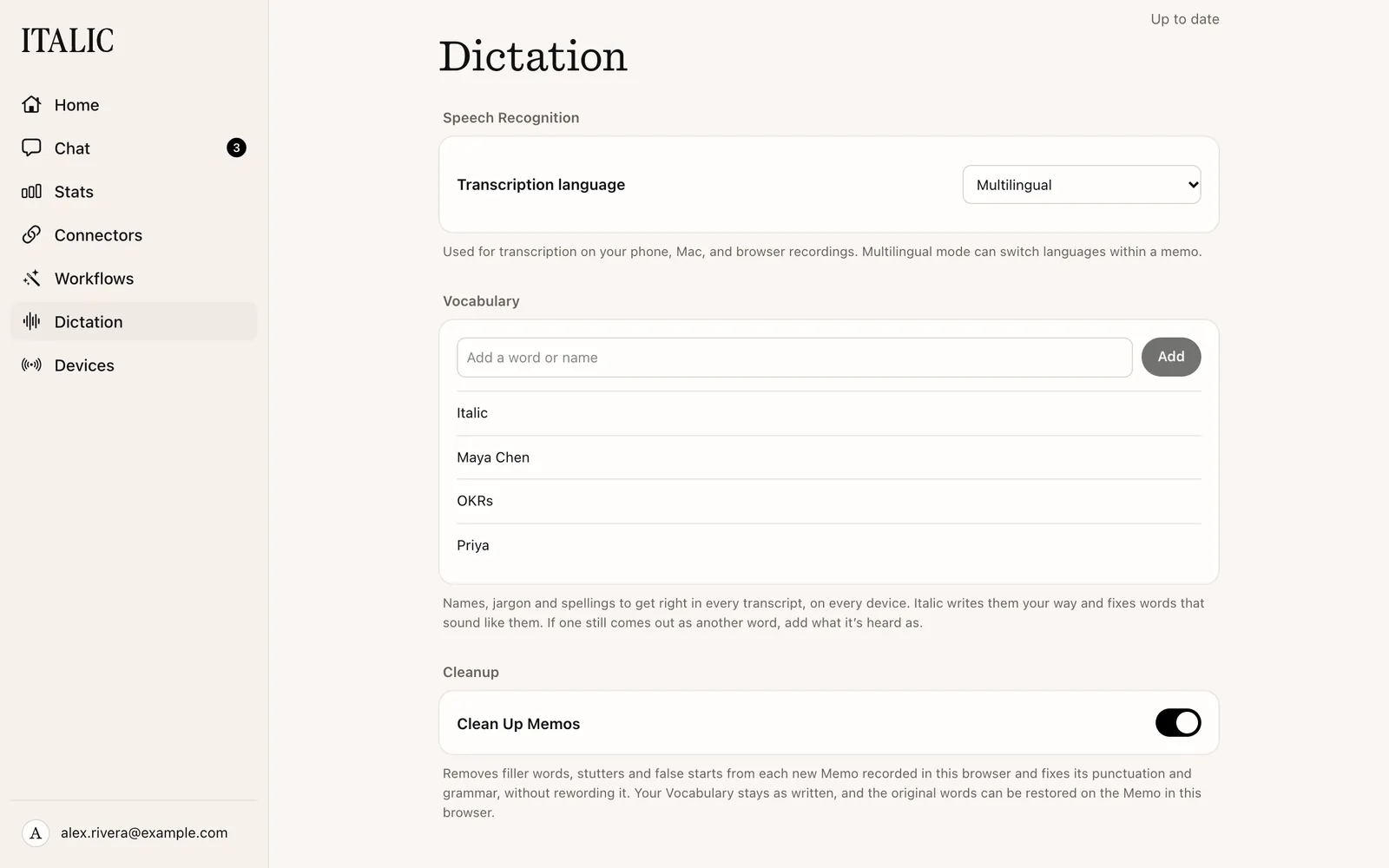
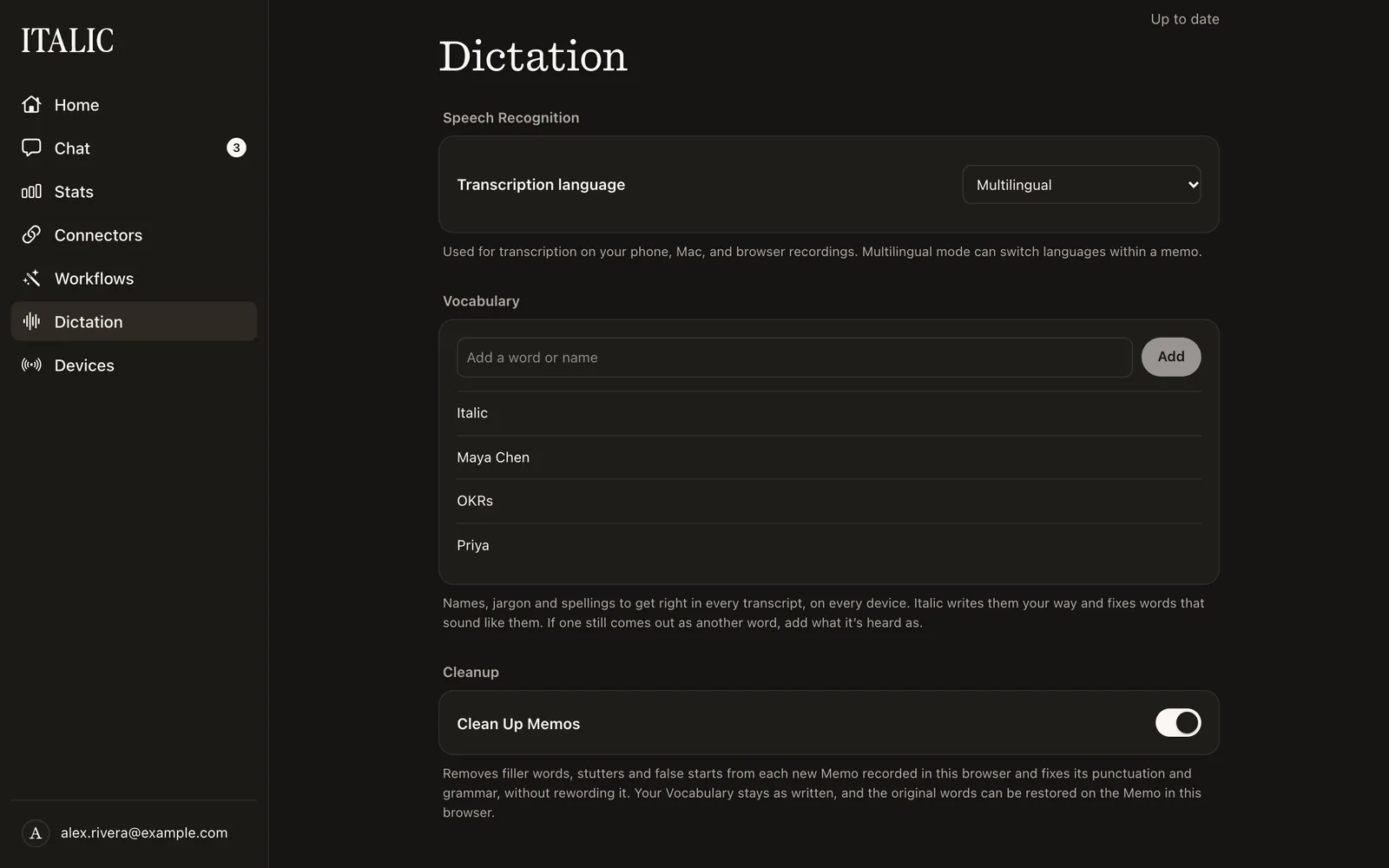
- Web and Mac: Dictation in the sidebar.
Changes sync, so the same list shows in every app.
Add a word
Type a name or word in Add a word or name and add it. Italic writes it your way, in any case, plural or possessive, and also fixes rare words that sound like it.
Add what it's heard as
If a word still comes out as another word, choose Also heard as… and add what it's heard as. For example, add "Kati" heard as "Katie". Common words and first names only change through a heard-as phrase.
Edit or remove
On iPhone, tap a word to edit it or add another heard-as phrase, and swipe it away to remove it. On the web, click a word to edit it, and use its trash button to remove it.
Suggestions
When you fix a misheard word in a transcript, Vocabulary suggests it under Suggested, heard as what was written. Choose Add to save it. To dismiss one, swipe it away on iPhone, or use its × on the web and the Mac. Suggestions stay on the iPhone, browser or Mac where you fixed the word.